

AI Christmas lights are transforming how homeowners decorate for the holidays, offering effortless control, personalized patterns, and energy efficiency that traditional lights simply cannot match.
Key Takeaways
- AI Christmas lights automate stunning decorations, adapt patterns to your preferences, and simplify installation and control.
- Smart features like scheduling, voice control, and real-time music sync reduce setup time and energy waste but require careful setup for best results.
- Common pitfalls include WiFi connectivity issues, compatibility problems with home ecosystems, and hidden operating costs.
- The Core Concept: What Are AI Christmas Lights and Why Use Them?
- Step-by-Step Guide: Setting Up and Getting the Most from AI Christmas Lights
- Advanced Analysis & Common Pitfalls
- Conclusion
- FAQ
The Core Concept: What Are AI Christmas Lights and Why Use Them?
AI Christmas lights combine smart LED technology with artificial intelligence to deliver dynamic lighting designs for holiday displays. Unlike traditional string lights, these systems feature app control, music-reactive patterns, scheduling, and even adaptive color schemes that can match your home’s vibe or the exact mood you want to create.
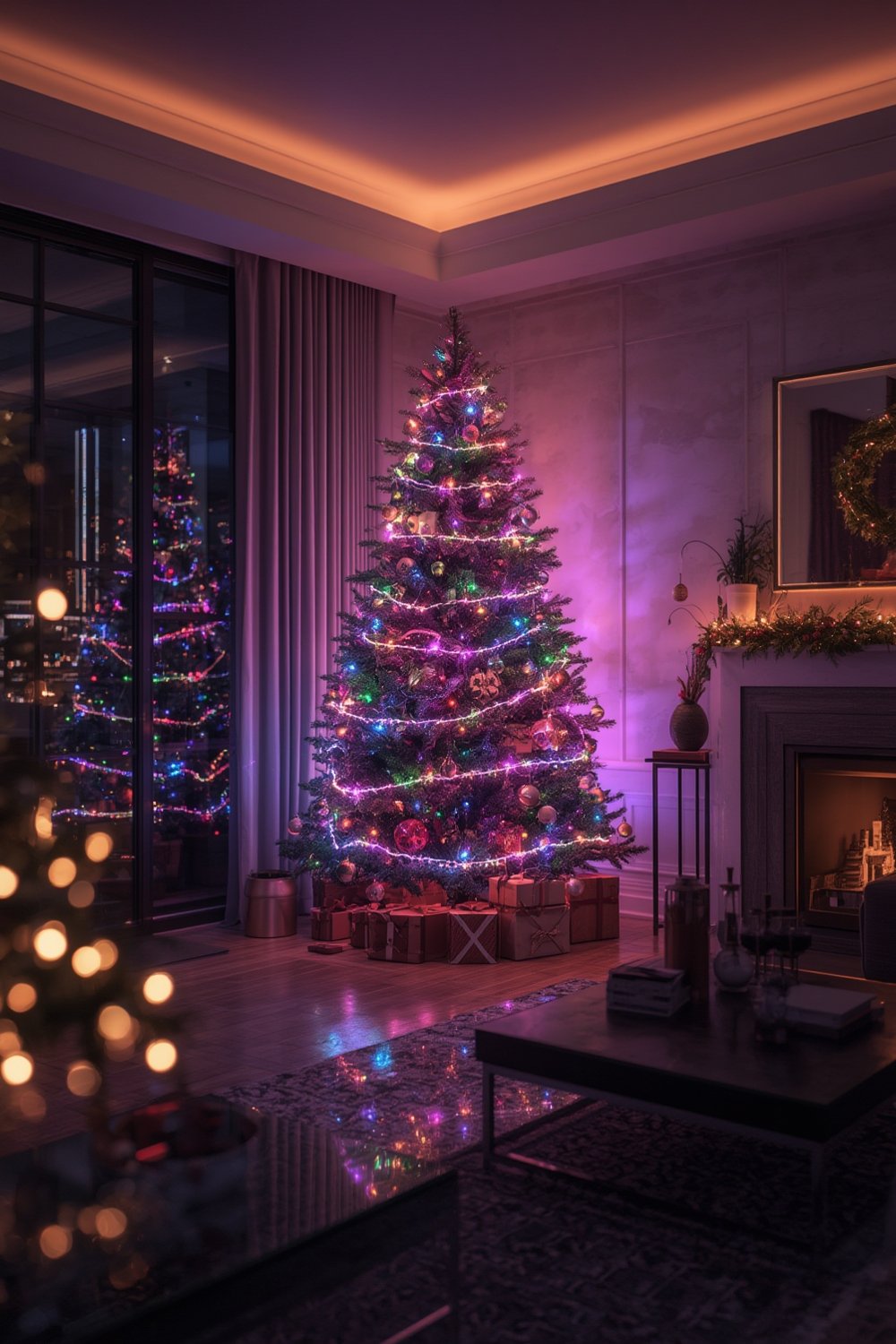
AI-driven lighting uses data from your preferences, voice commands, or connected smart home platforms to suggest or auto-adjust dazzling effects. Imagine pattern sequences that evolve nightly or harmonize perfectly with your holiday playlist. The convenience factor is huge—no manual programming, clumsy controllers, or crawling under trees to turn sets on and off.
Homeowners who love tech-powered upgrades and memorable decor find AI Christmas lights offer tangible benefits:
- Personalization: Lights adjust to your themes or moods automatically.
- Efficiency: LED tech saves energy; AI scheduling reduces waste.
- Control: Operate from your phone, voice assistant, or even remotely.
Interest in smart home holiday products has risen alongside eco-friendly trends and easier DIY integration, similar to the boom seen in cordless landscaping tools (market data).
Step-by-Step Guide: Setting Up and Getting the Most from AI Christmas Lights
-
Choose the Right AI Christmas Light Kit
- Pick a reputable brand that supports your preferred smart home system (Alexa, Google, HomeKit).
- Double-check brightness (lumens), number of LEDs, and supported features (music sync, color range).
-
Plan Your Display
- Measure key areas: rooflines, windows, trees, or yard outlines.
- Sketch your design or use the app’s AR feature, if available, to preview layout and effects.
-
Install Safely and Securely
- Test light strands and controller indoors before outdoor setup.
- Add mounting clips or weatherproof adhesive strips for clean installation.
- Keep connections dry; use outdoor-rated extension cords and GFCI outlets when needed.
-
App Setup and WiFi pairing
- Download the companion app and connect lights to your 2.4GHz WiFi network (most smart lights don’t support 5GHz).
- Enable device permissions for notifications and location—these often help with automation.
-
Personalize Automations and Voice Commands
- Set up schedules so lights turn on/off automatically at sunset or at custom times.
- Enable music sync, preset scenes, or custom patterns via app or voice (e.g., “Alexa, set lights to ‘Winter Wonderland'”).
-
Monitor Performance and Update
- Check for firmware updates in the app—these often enhance features or fix early bugs.
- Monitor energy use, especially if your app tracks real-time power consumption.
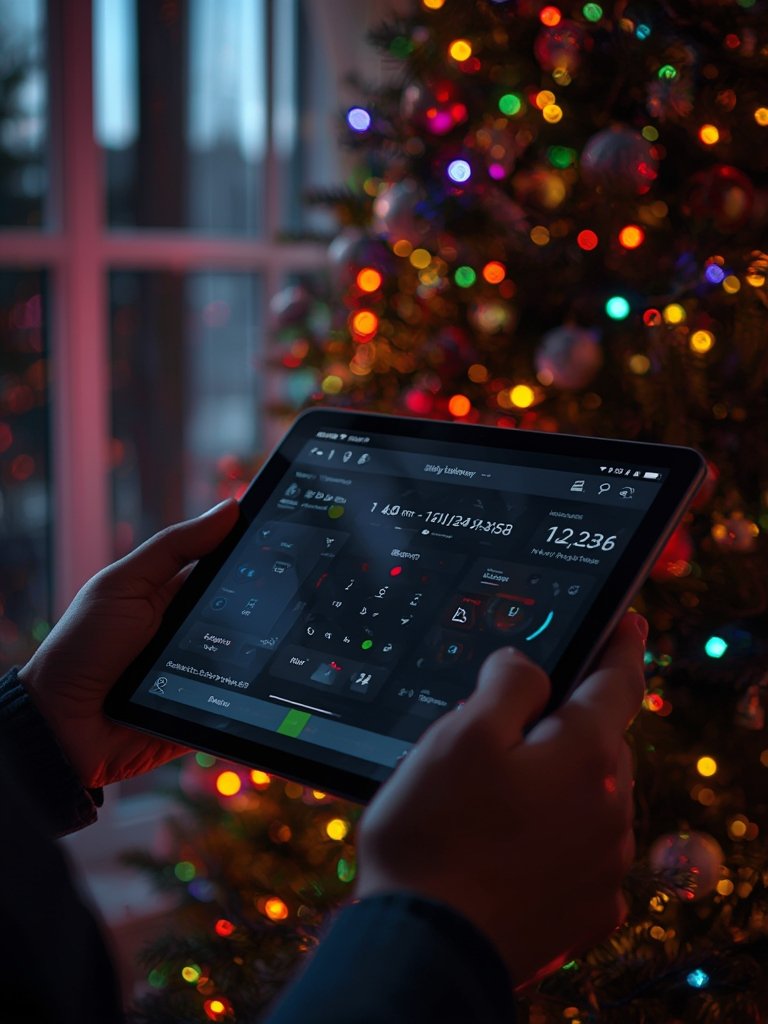
For more home automation projects that simplify seasonal decor and maintenance, check out our guide on using Lowe’s and home improvement stores to plan projects.
Advanced Analysis & Common Pitfalls
While AI Christmas lights are impressive, users face real-world issues that can sour the experience if you’re not prepared. Here’s what to watch out for:
- WiFi Connectivity Problems: Outdoor installations, interference from walls, or overlap with neighbor signals can cause delays or complete failures in lighting commands. Many systems only work on 2.4GHz WiFi, which is easily overloaded.
- App and Ecosystem Compatibility: Some lights have limited integrations. If you mix Alexa, Google, or Apple HomeKit devices, check that your chosen lights support all your platforms.
- Energy Use and Cost: While LEDs are efficient, frequent color or brightness changes (like music sync modes) can boost power draw. Holiday displays running several hours nightly add to your energy bill.
- Firmware/Software Glitches: Brand-new models may launch with buggy apps or unfinished features. Always update before your main holiday show.
- Physical Durability: Cheaper models may yellow or degrade from sun/rain within a season, especially when left outside all winter.
| Problem | DIY Prevention | Potential Solution |
|---|---|---|
| WiFi drops/disconnects | Test WiFi strength at install site using a smartphone. | Add a dedicated WiFi extender outdoors. |
| Limited app support | Shop for cross-platform compatibility before buying. | Check user forums for unofficial integrations. |
| High energy use | Schedule lights for shortest necessary run-times. | Use energy-tracking plug or app monitor. |
| Weather or UV damage | Limit outdoor exposure time; use UV covers. | Store indoors after holidays. |
| App bugs/updates fail | Update apps/firmware before main setup day. | Check brand support site or social media for fixes. |
It’s worth noting that, like many smart home products, user pain points and documented negative reviews for newer models can be limited when market data is focused on trends rather than real-world use (see research findings). If you want an in-depth approach to DIY tech upgrades, our guide to portable electric chainsaws for pruning highlights similar troubleshooting tips across home gadgets.
A final caution: Not all AI lights are made equal. Check for UL or CE safety ratings, especially for outdoor use. Ongoing firmware and security support are just as crucial as dazzling display features.
Conclusion
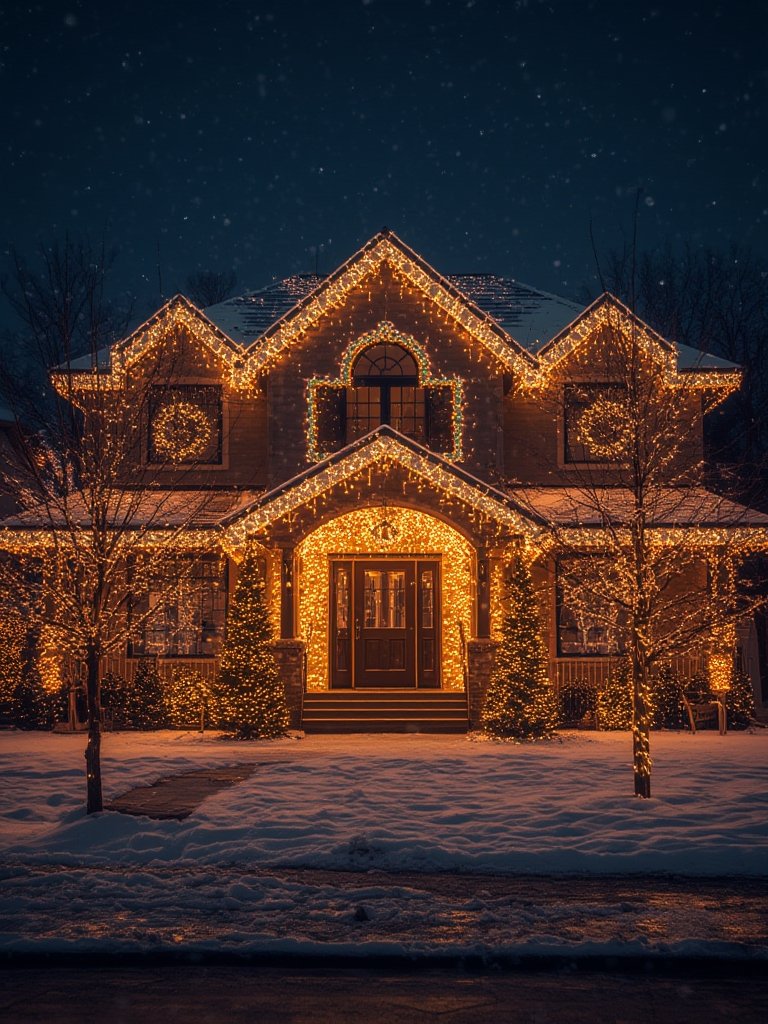
AI Christmas lights bring automation, customization, and energy efficiency to holiday decorating but require careful setup for best results. By planning ahead, verifying compatibility, and optimizing your display, your AI Christmas lights will make your home stand out with minimal hassle. Ready to upgrade your decorations? Explore trusted retailers for the latest AI-enabled light kits, and bring some smart sparkle to your holidays this year!
FAQ
How do AI Christmas lights differ from regular smart lights?
AI Christmas lights use algorithms and sensors to auto-adjust colors, patterns, and timing based on music, schedules, or your preferences, going beyond simple app-based on/off control.
Do AI Christmas lights work with Alexa or Google Assistant?
Most reputable AI Christmas lights support Alexa or Google voice commands. Always check compatibility before purchasing to ensure seamless integration.
What should I do if my AI lights won’t connect to WiFi?
Make sure your router broadcasts a 2.4GHz signal, restart the lights and app, and try pairing indoors close to the router before moving them outside. WiFi range extenders may help with larger properties.
Can I use AI Christmas lights outdoors?
Many AI Christmas lights are IP65 or higher rated for outdoor use, but always double-check product specs and avoid placing controllers in areas exposed to rainfall or snow.
Do AI lights increase my energy bill?
AI Christmas lights use efficient LEDs, but advanced patterns or long runtimes can add up. Use in-app scheduling and energy monitors to keep power usage low.